Confirm the revision.
Ask the seller about the USB controller and firmware. Keep a practical return option in case the delivered electronics differ.
THE DISPLAY
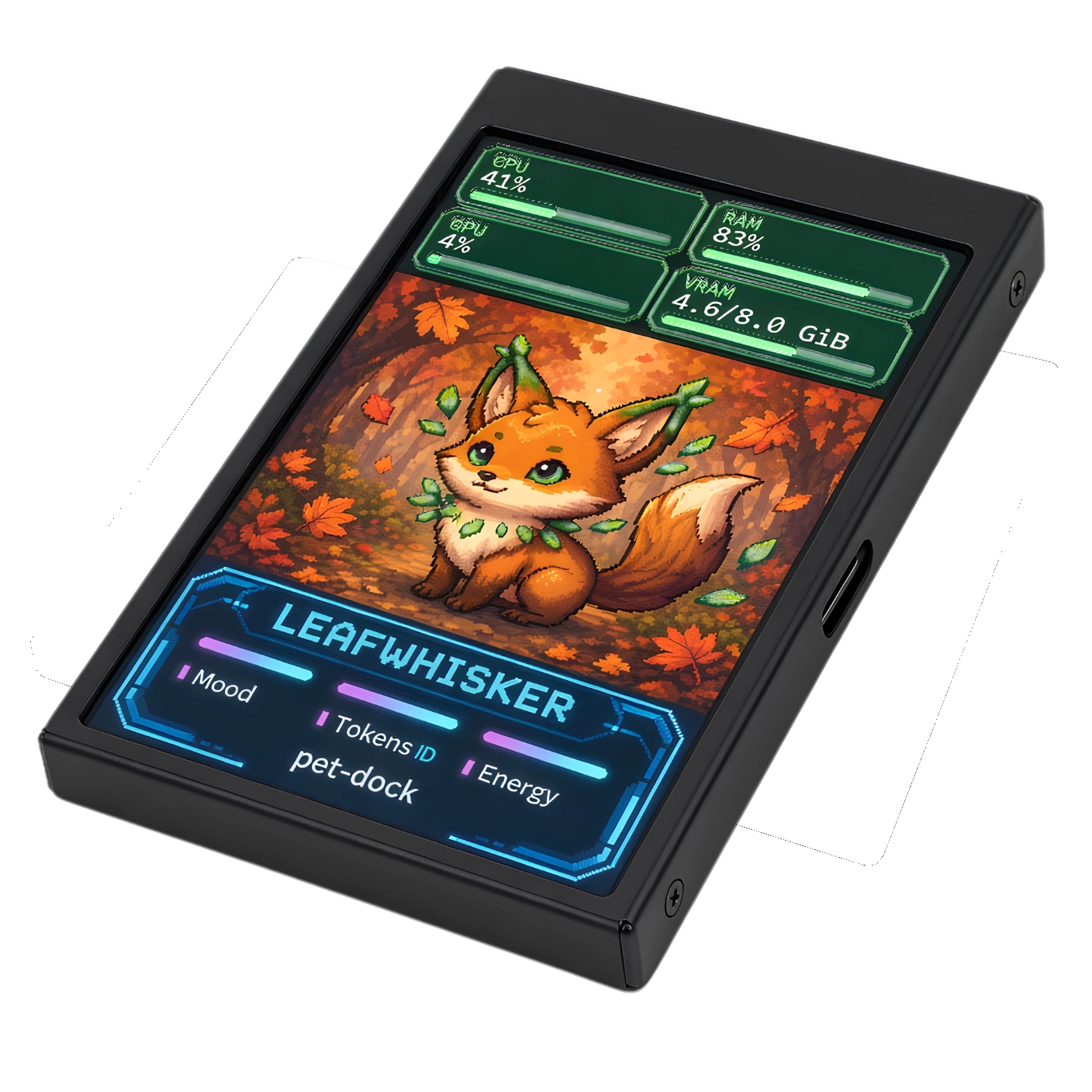
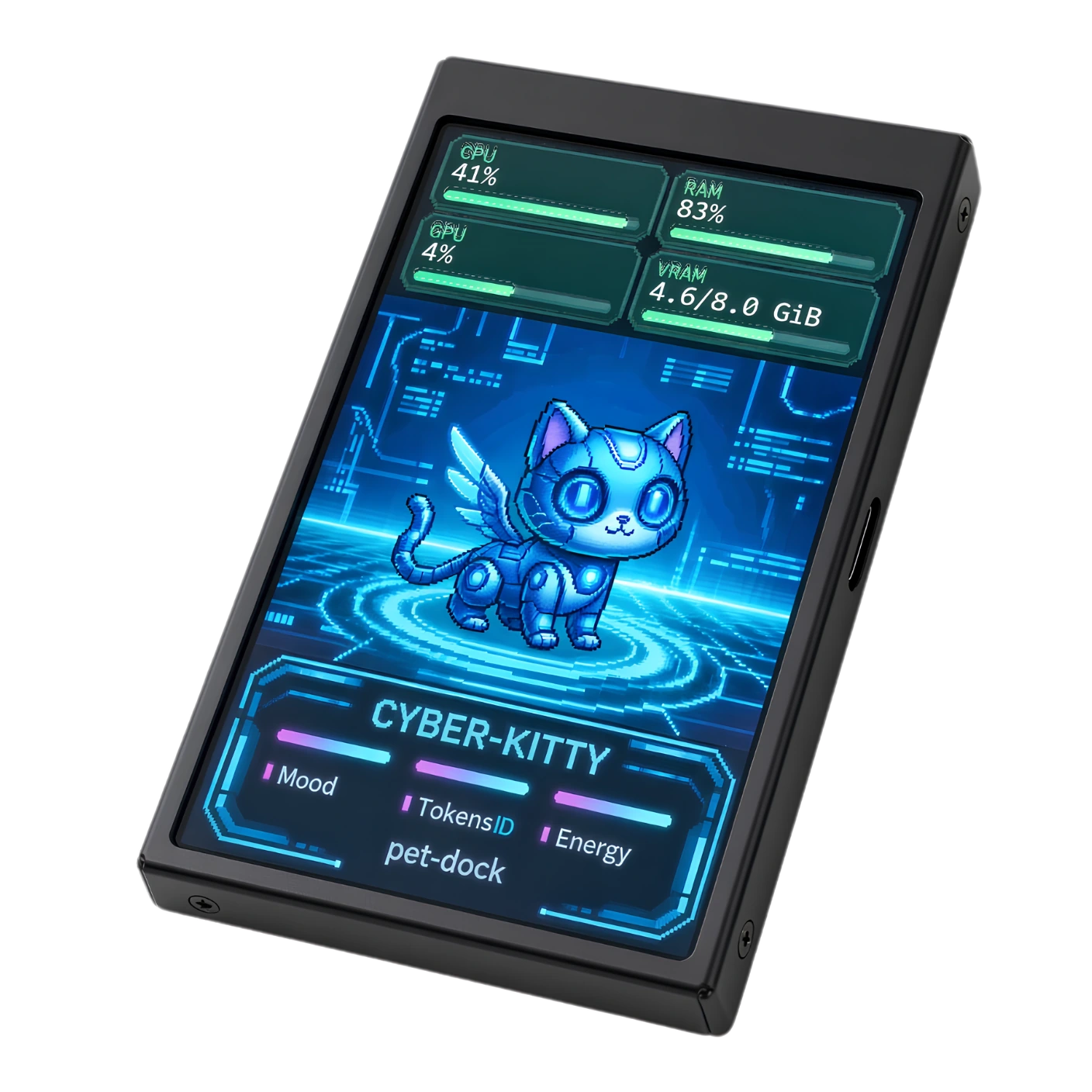
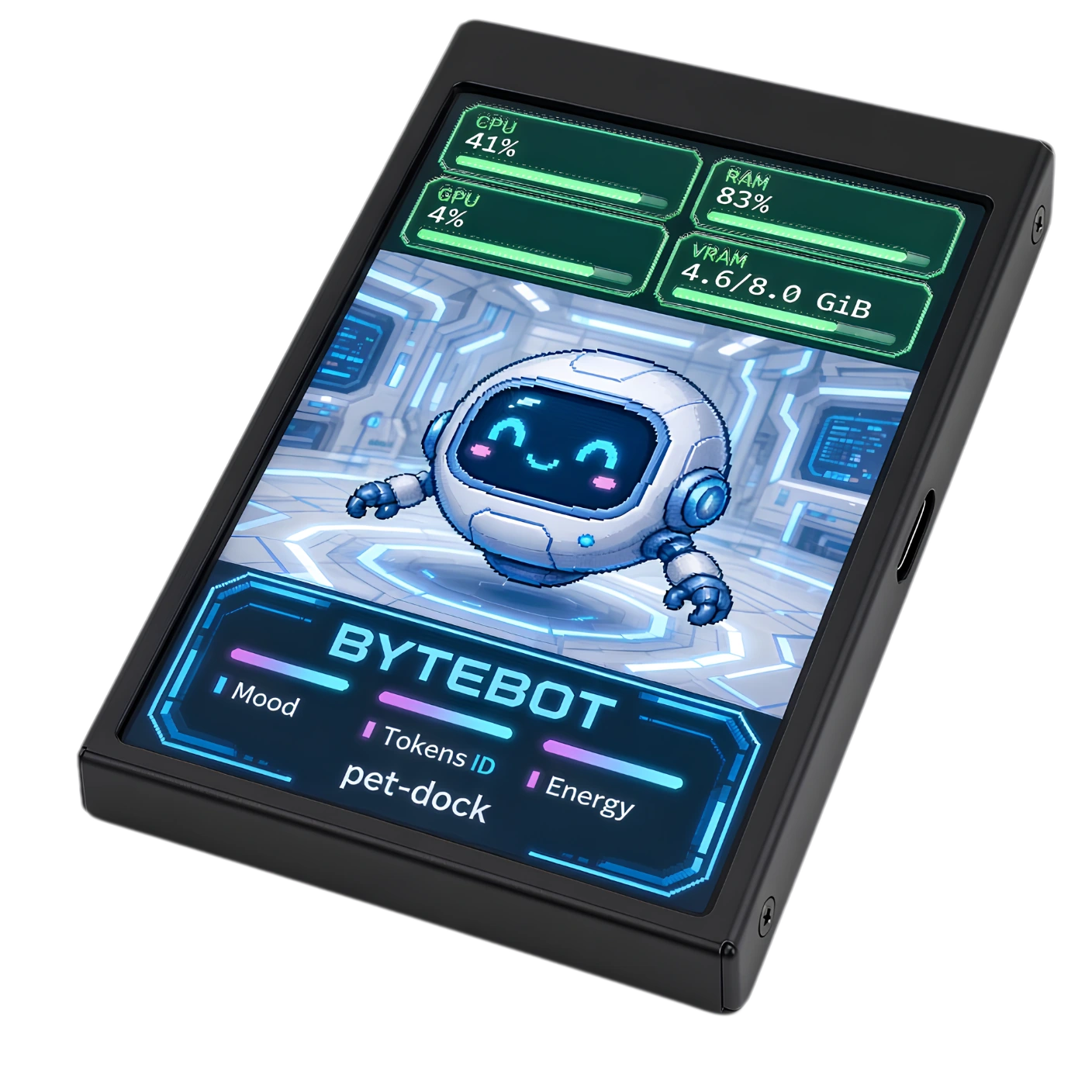
Pet Dock is the software. A compatible USB display gives your live pet somewhere to live. Here’s what to check before you buy.
HARDWARE STARTING POINT
The documented setup uses a 3.5-inch, 320 × 480 USB display. Pet Dock sends image frames over its supported USB/serial connection; it does not extend your Windows desktop like HDMI.
View the display on TemuYou’ll leave Pet Dock for a third-party retailer. We don’t sell the hardware. Prices, stock, revisions and return terms are set by the seller.
About this product linkCHECK THE ELECTRONICS
LOOKS AREN’T A PROTOCOLThe user-tested display reports USB identity VID_1A86 & PID_5722. This is a useful identification clue, not a guarantee that every unit with a similar name or listing will work.
Ask the seller about the USB controller and firmware. Keep a practical return option in case the delivered electronics differ.
A charge-only cable can power the panel without exposing a COM device. Check Windows Device Manager after connecting.
Close the manufacturer’s control app and its tray process before Pet Dock opens the port. Start with Protocol A and a test pattern.
The linked listing is a buying starting point, not a promise of every hardware or firmware variation. This site does not endorse a universal “works with any USB screen” claim.
WHAT IT DOESN’T NEED
The documented path does not flash custom firmware or install display drivers through Pet Dock. It sends pixels using the existing connection. Your host app keeps the original pet running, and the physical display remains visual-only.